


DigitalOcean is one of the world’s leading virtual private machine (VPS) service providers.
Especially if you are a new customer, DigitalOcean will give you a 10$ credit to your account when you register through your referral link . This amount is equivalent to 2 months of continuous VPS use for the lowest package.
VPS packages here are often referred to as Droplets.
A few popular VPS plans here are as follows:
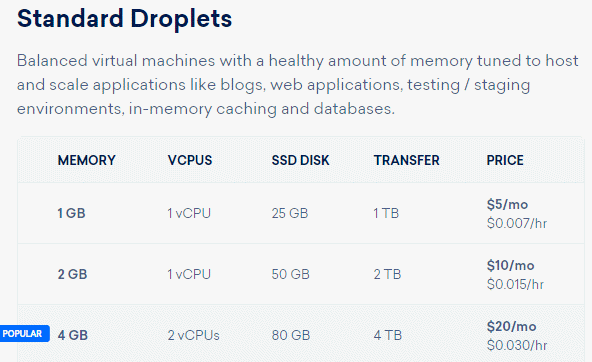
Now I will guide you to register for VPS DigitalOcean to receive 10$
Note : When doing this tutorial, Digital Ocean has a coupon of $ 15, now only $ 10 by default will be available when you register through the referral link.
Instructions for registering VPS Digital Ocean get 10$
First you visit the DigitalOcean homepage . (Register via this link by default you will receive $ 10).
Enter your email address and password.
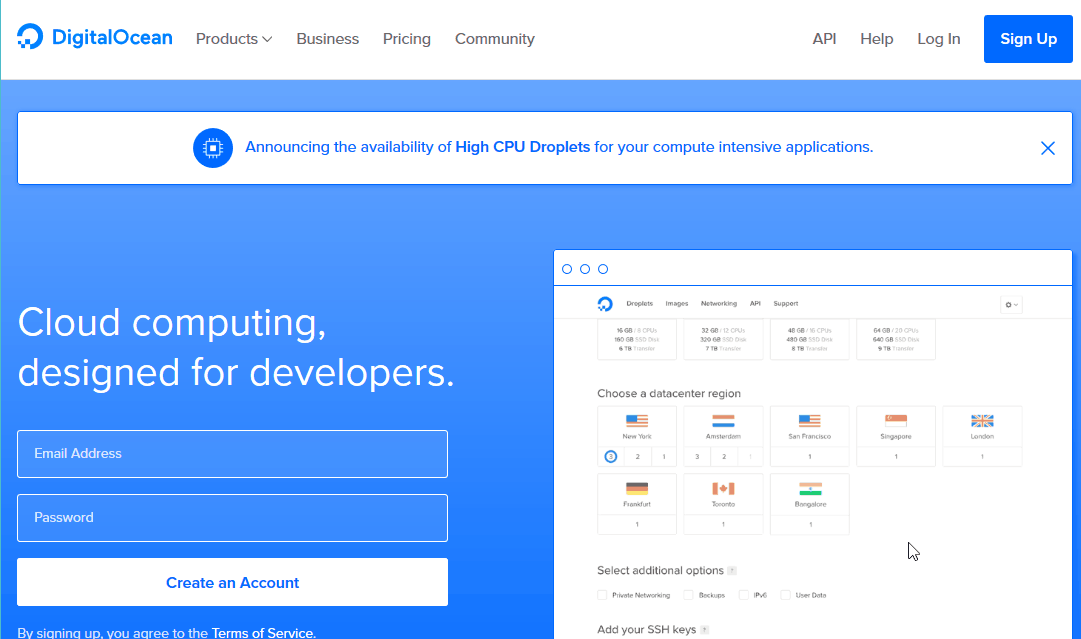
Then DigitalOcean will send an email to confirm your email address:

Click on the link in the email to verify the email.
The next step we need to enter payment information. You have 2 options: pay via credit card or PayPal.
Personally, I recommend that you choose PayPal for easy payments, avoiding confusing verification.
Often when you pay via credit card for foreign services, these companies will have an extra check. For example, you have to take a photo of your ID card and a photo of the front of your credit card. Quite annoying, right?
When you choose to pay via PayPal, you will need to deposit $5. This amount will be used when the credit expires.
In general, the money is not lost anywhere. VPS service is also rated very well. So you can rest assured that the deposit amount is not too large.
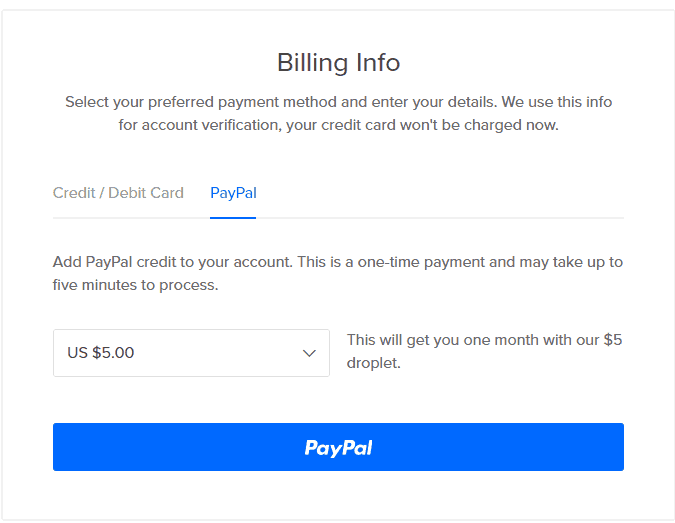
Click the PayPal button to continue. On the next screen enter a description for the payment.
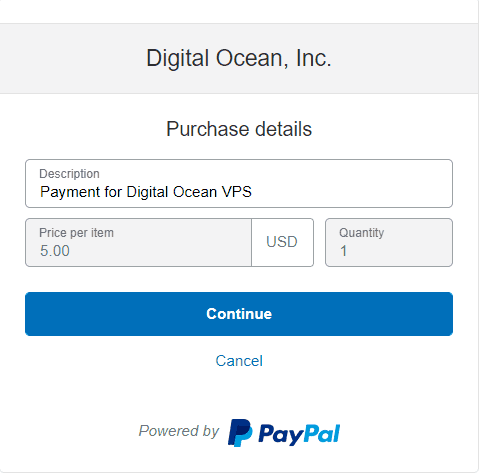
Make the payment with PayPal as usual. After making the payment, you will switch to DigitalOcean’s management screen.
Now we will use coupon to get 15$.
Go to Settings located in the upper right corner:

On the next screen, click on the Billing item in the left panel. Scroll down and you will see a place to enter the coupon.

Get coupon HERE . Paste in the promo code box and click Apply Code.
Now you will see a credit of 20$. (15$ from coupon + 5$ deposit via PayPal).

You also see the account is temporarily locked. You need to provide more personal information and send to DigitalOcean verify more:

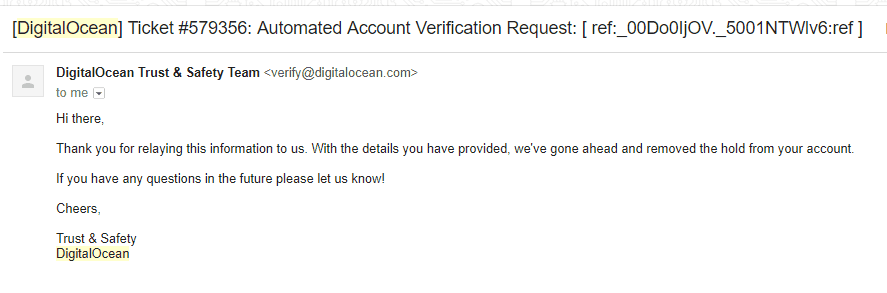
Wait a few hours and you will receive a notification that your account has been unlocked. Now you can start creating VPS :
Note : The credit program is only for new customers. Don’t try to cheat or get banned in bulk. In addition, this action also reduces the reputation of Vietnam and affects those who have real VPS needs.


